Tag a toy
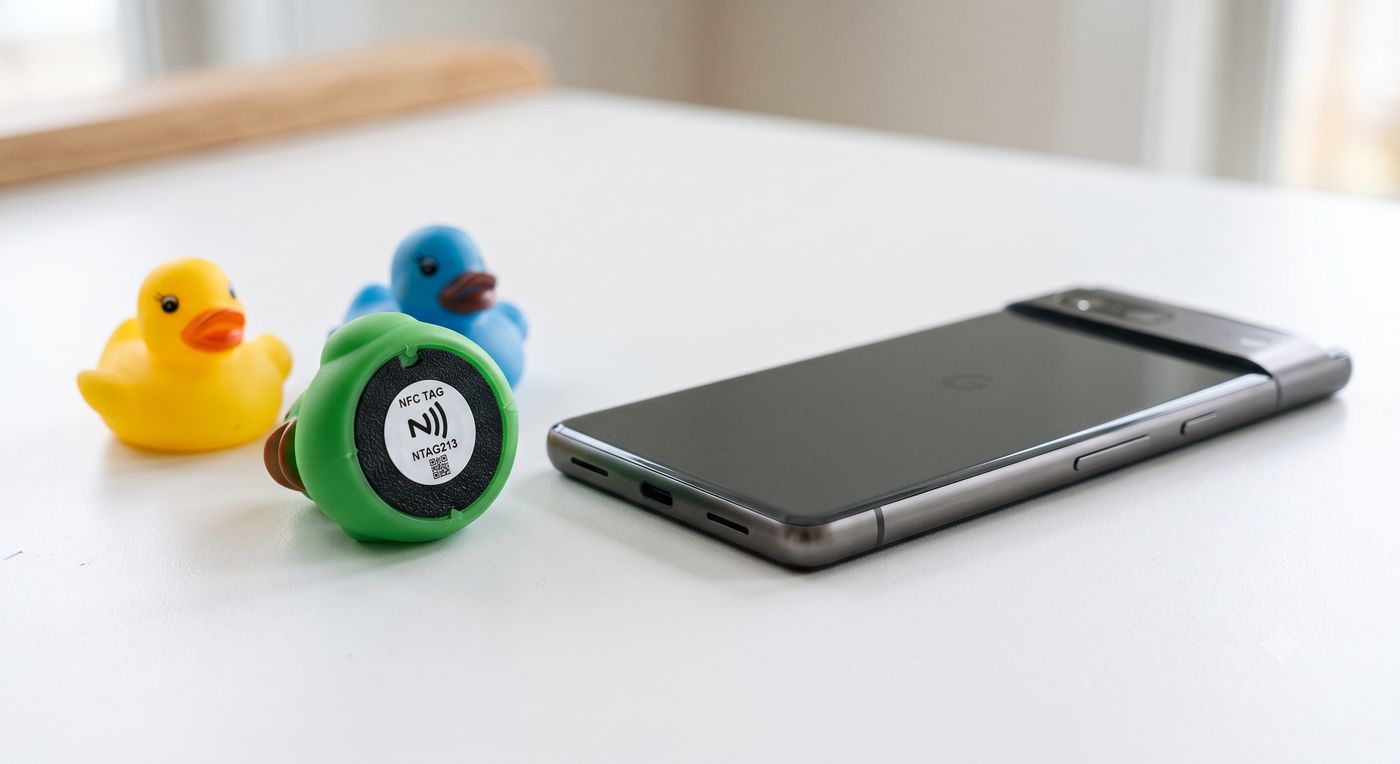
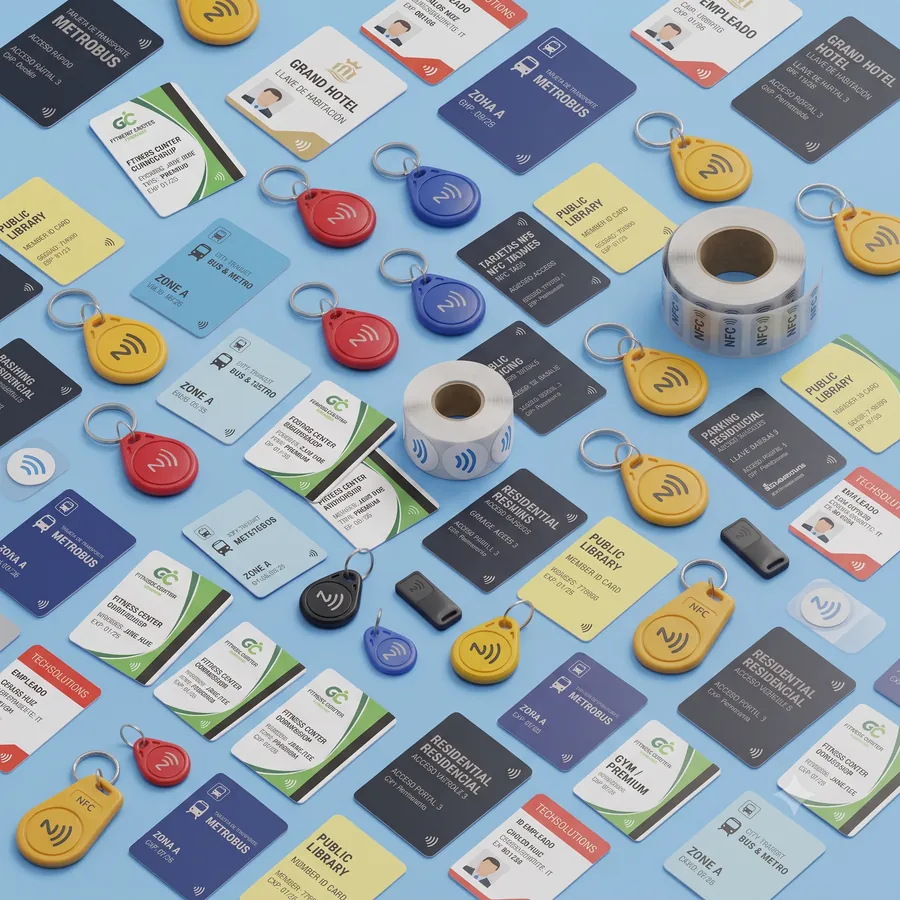
Stick an NFC sticker or token onto any figure, card or object. Nothing is written to the tag — the app recognises it by its ID, so tags you already own work too.
NFC Works with the tags you already have
Stick an NFC tag on a figure, pass it over your phone, and your own audio plays. Stories, voices and sounds — with no screen for the kids.
Video tutorial
From sticking the first tag to hiding the phone under the table: the full walkthrough, step by step.

Meanwhile, the three steps below cover everything you need to get started.
How it works
No special hardware, no accounts. A phone with NFC and a handful of cheap tags.
Stick an NFC sticker or token onto any figure, card or object. Nothing is written to the tag — the app recognises it by its ID, so tags you already own work too.
Scan the tag with the app and pick an audio file from your phone: a recorded story, a song, your own voice, an animal sound.
Start playback and let children pass the toys over the phone. Each one plays its sound — and the phone can stay out of sight.
Play modes
Every collection has its own rules, so the same toys can tell a story, hold a conversation or become a game.
Each tag plays its own sound, every time it passes by. Link several audios to the same toy and the app picks one at random.
Sounds follow a script. Only the next toy in the sequence speaks, so children play out a whole conversation in the right order.
The app plays a sound and the child looks for the toy it belongs to. A correct guess moves on; a wrong one tries again.
Inside the app
Group sounds into collections, keep track of your tags, and rearrange a dialogue with a tap.
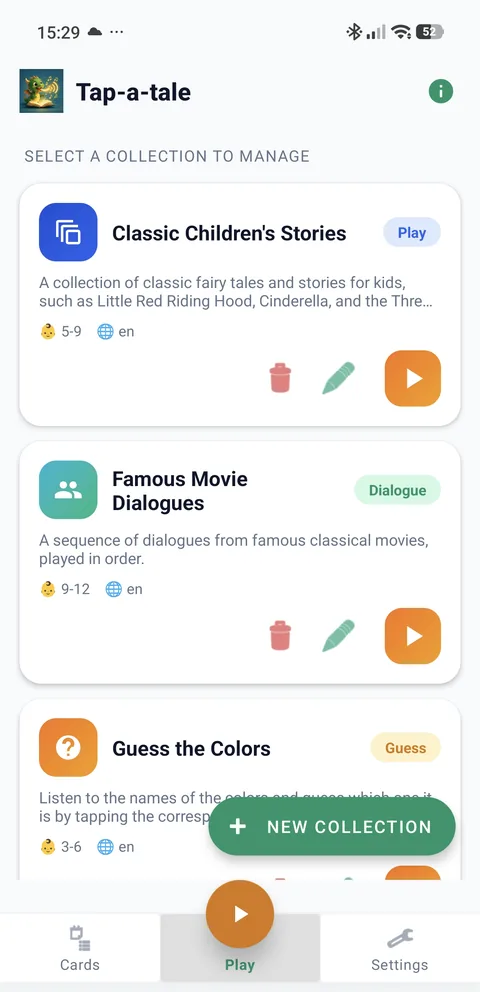
Your collections
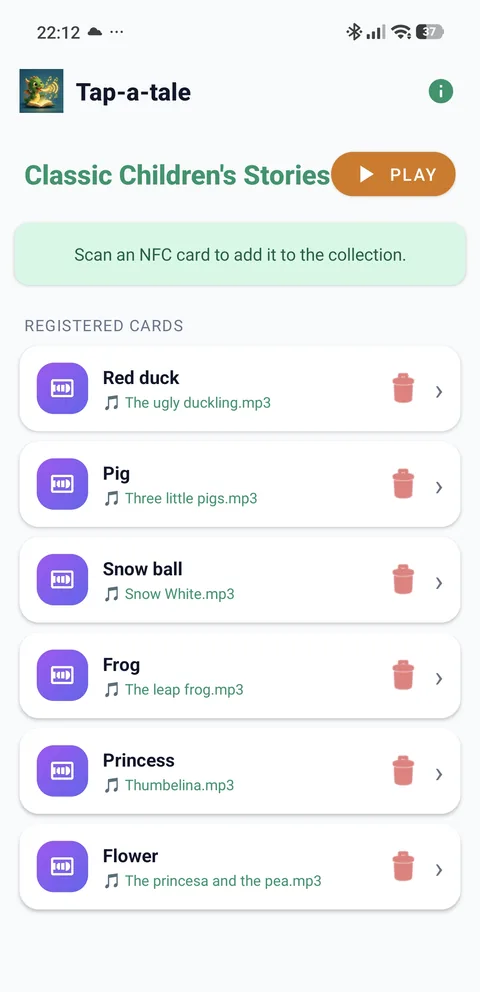
Cards and their sounds
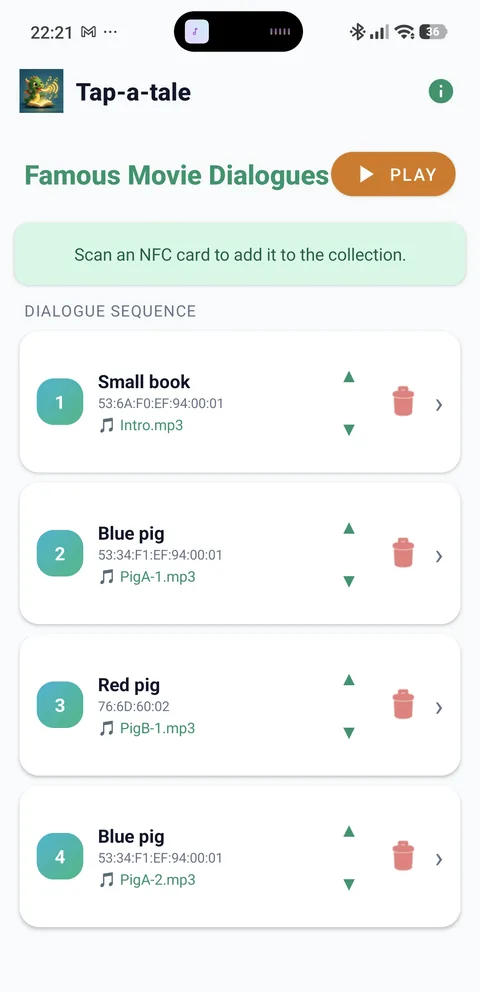
Build a dialogue
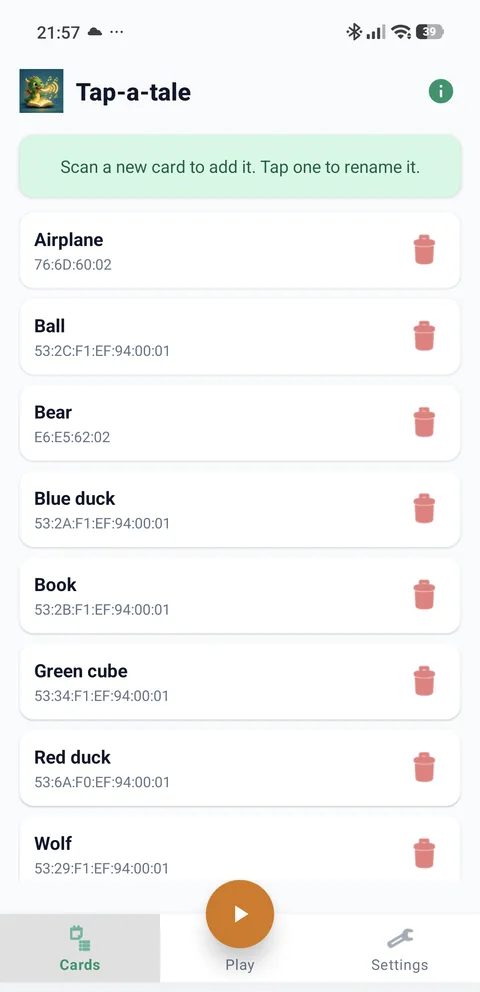
All your tags
Swipe to see more
Why it works
Playback keeps the screen black and dimmed, so you can tuck the phone under a thin surface and let the toys do the talking.
Any audio file on the device works: bedtime stories in your voice, songs, sound effects or a language you are learning together.
No account and no connection needed. The sounds you choose stay on the phone and play straight from it.
Stickers, tokens, key fobs, spare cards. If the phone can read it, Tap-a-tale can use it — and the tag stays untouched.
Playback drops the screen brightness to a minimum, and you can adjust it in settings to stretch a long afternoon of play.
Collections carry an age range and a language, so the same box of toys moves from first words to full stories.
Before you start
FAQ
You need an Android phone running 7.0 or later with NFC hardware. Most mid-range and flagship phones from the last decade have it — it is the same chip used for contactless payments.
NTAG213 stickers or plastic tokens are the usual choice: cheap, thin and easy to glue. Tap-a-tale identifies each tag by its built-in ID and never writes to it, so used tags, key fobs and spare cards work just as well.
No. Once the app is installed, everything happens on the phone: the tags, the collections and the audio files you picked.
Yes — that is the point. Put it under a thin, non-metallic surface such as a table top, a sheet of cardboard or a play mat, and pass the toys above it.
The screen has to stay on with the app in the foreground for NFC to keep reading, which is why playback mode shows a black screen at minimum brightness.
While playing there is nothing on screen but darkness: no menus, no links, no buttons to press. Children handle the toys, not the phone. A single tap on the screen returns to the collection list.
From you. Pick any audio file stored on the device — a story you recorded, a nursery rhyme, an animal sound — and link it to a tag. One tag can hold several sounds and play them at random.
It is free. Grab the app, stick your first tag, and let the stories start where the screens end.